
Introduction
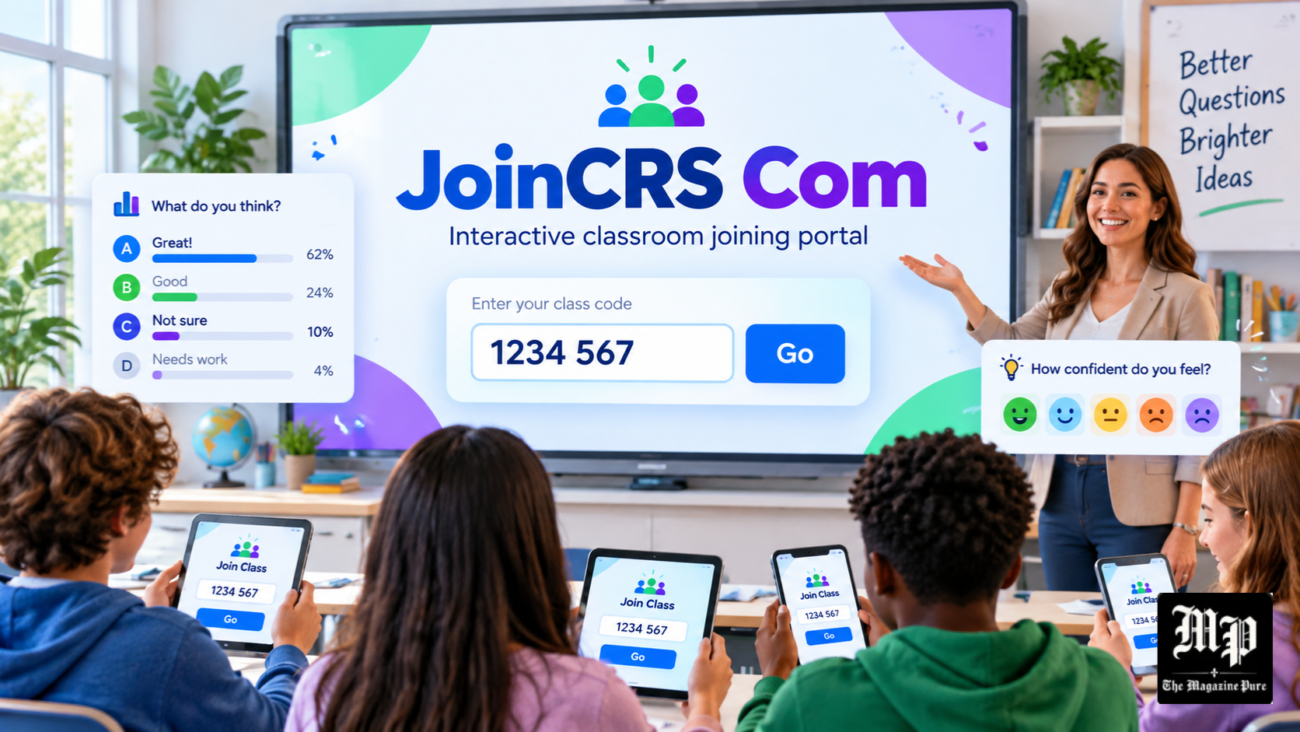
JoinCRS Com is an online classroom participation platform that helps teachers and students connect during interactive learning activities. It works with Classroomscreen, a digital teaching tool that allows teachers to manage lessons, ask questions, and collect student responses. Students can join classroom polls by entering a code provided by their teacher. The process is simple and does not normally require a separate student account or software installation.
As digital learning becomes more common, platforms like JoinCRS make classroom activities easier to organise. Teachers can create questions, check student understanding, and encourage participation during lessons. Students can respond using smartphones, tablets, or computers. Whether learning in a traditional classroom or joining an online session, JoinCRS provides a convenient way to participate in educational activities.
What Is JoinCRS Com?
JoinCRS Com is a web-based joining service connected to Classroomscreen, an educational platform designed to support classroom management and interactive teaching. The website allows students to participate in live polls and respond to questions created by their teachers. When students visit JoinCRS.com, they are directed to the Classroomscreen joining page, where they can enter a classroom code. This connection allows teachers to collect responses without requiring students to register individual accounts.
The main purpose of JoinCRS is to improve communication between teachers and students during lessons. Instead of asking every student to answer questions aloud, teachers can collect responses digitally. This approach makes participation easier for students who may feel uncomfortable speaking in front of classmates. It also gives teachers a quick overview of how well the class understands a particular topic. JoinCRS is especially useful for short quizzes, classroom discussions, and learning assessments.
How JoinCRS Com Works With Classroomscreen
JoinCRS works through the Classroomscreen platform, where teachers prepare classroom activities using different digital tools. A teacher creates a poll, enters a question, and enables remote voting. The system then provides joining details that students can use to access the activity. Students open JoinCRS.com and enter the code displayed by their teacher. Once connected, they can view the question and choose an answer. The responses are collected and displayed through the teacher’s Classroomscreen poll.
Classroomscreen provides more than student voting. It includes classroom timers, visual instructions, random name selectors, group-making tools, and interactive displays. These features help teachers organise lessons while keeping students focused on their activities. JoinCRS is mainly the student-facing part of this experience, allowing remote responses to polls. Together, the two services create a flexible classroom environment where teachers manage activities and students participate using their own devices.
How Students Can Join JoinCRS Com Using a Code
Students can access JoinCRS by opening a supported web browser on their smartphone, tablet, laptop, or computer. They need to visit JoinCRS.com, which redirects to the official Classroomscreen joining page. The page contains a field where students can enter the code provided by their teacher. After entering the correct code, they can continue to the available classroom activity. Students should carefully check the code because incorrect numbers or an inactive activity may prevent successful access.
Another convenient joining method involves scanning a QR code displayed by the teacher. Students can use their device’s camera to open the activity directly without typing the code manually. This option is helpful for younger learners or larger classrooms where entering codes can take additional time. The joining process generally does not require a student username, password, or email address. However, students must have the correct joining information and a working internet connection to participate successfully.
How Teachers Create Interactive Activities on JoinCRS
Teachers begin by visiting Classroomscreen.com and preparing their digital classroom display. They can select the Poll widget and enter a question related to their lesson. The platform supports different response formats, including multiple-choice, true-or-false, and smiley-based questions. After preparing the question, teachers can activate remote voting through the Poll widget settings. A joining code and QR code can then be shared with students, allowing them to participate through JoinCRS.com.
Teachers can use these polls at different stages of a lesson. For example, a science teacher might introduce a topic with a simple question to check what students already know. After explaining the topic, the teacher could ask another question to evaluate understanding. The responses can be displayed using charts, making classroom feedback easier to interpret. Teachers can also manage voting and reset the results for another activity, creating opportunities for continuous participation throughout the lesson.
Main Features of JoinCRS and Classroomscreen
The most important feature associated with JoinCRS is live classroom polling. Students can answer questions from their devices while teachers observe the overall results. Multiple-choice polls are useful for subject-based questions, while true-or-false activities allow teachers to check basic understanding. Smiley polls provide a simple way to collect opinions or feedback. Classroomscreen can present polling results using visual charts, helping teachers identify common answers and discuss misunderstandings with students.
Classroomscreen also provides several teaching tools that complement JoinCRS activities. Teachers can use countdown timers to manage tasks, text widgets to display instructions, and random name selectors to encourage participation. The Group maker helps organise collaborative activities, while visual tools support classroom routines. These features are managed through the main Classroomscreen display rather than the student joining page. Using several tools together allows teachers to create organised, engaging lessons without switching between multiple teaching applications.
Benefits of JoinCRS Com for Students and Teachers
JoinCRS offers several practical benefits for students, especially during interactive lessons. It provides an alternative way to answer questions without speaking in front of the entire class. Students can participate using familiar devices and receive opportunities to reflect on what they have learned. The simple joining process also reduces the need to remember additional passwords. In classrooms where students have suitable devices and internet access, digital polls can make learning activities more accessible and engaging.
Teachers benefit from the ability to collect responses quickly and adjust their teaching based on the results. If many students choose an incorrect answer, the teacher can explain the concept again before moving forward. This makes JoinCRS useful for formative assessment, where feedback is collected during the learning process. The platform can also save time compared with collecting answers manually. However, classroom polls work best when teachers ask clear questions and use the results to support meaningful discussions.
Using JoinCRS for Online Classes and Learning Activities
JoinCRS can also support online and hybrid learning. Teachers can share their Classroomscreen display during an online lesson while students participate from their own locations. Students receive a classroom code and use the joining website to respond to questions. This approach allows teachers to include interactive activities even when everyone is not physically present in the same classroom. JoinCRS does not replace video conferencing software, but it can work alongside online meeting platforms.
The platform can be used for different school subjects and educational activities. Mathematics teachers may ask students to solve short problems, while English teachers can prepare vocabulary or comprehension questions. Science teachers can check understanding after explaining new concepts, and history teachers can encourage discussion through opinion-based polls. Teachers can also use JoinCRS for end-of-lesson reflections, allowing students to indicate whether they need further explanation. These activities make classroom feedback more immediate and useful.
Is JoinCRS Com Safe, Free, and Easy to Use?
JoinCRS.com is associated with the official Classroomscreen service, making it a legitimate platform for classroom participation. Students should use the correct website and enter only codes provided by their teachers. The standard student joining process does not require payment or a separate student account. Classroomscreen offers a free Basic account for teachers, including remote polling, while its paid Pro plan provides additional classroom preparation and personalisation features. Schools can choose the options that suit their teaching needs.
Although JoinCRS polls are designed to collect anonymous responses, users should still follow normal online safety practices. Classroomscreen’s privacy policy explains that some technical information, such as browser details and IP addresses, may be processed when visiting its websites. Students should avoid sharing unnecessary personal information during classroom activities. If the joining page fails to load, they can check their internet connection, update their browser, or confirm the current code with their teacher. Most common joining problems involve incorrect details or inactive polling sessions.
Conclusion
JoinCRS Com provides a simple way for students to participate in interactive classroom polls through Classroomscreen. Its straightforward joining process, classroom codes, and QR code support make it convenient for both traditional and online learning environments. Students can answer questions without creating separate accounts, while teachers can gather useful feedback and assess overall classroom understanding during lessons.
The platform becomes particularly helpful when combined with Classroomscreen’s classroom management tools, including timers, visual instructions, and group activities. Although JoinCRS is not a complete learning management system, it offers a practical solution for live participation and quick learning checks. For teachers looking to make lessons more interactive and students wanting an easy way to respond to classroom questions, JoinCRS remains a useful educational tool.
