
Wireless charging sounds simple: place your phone on a charging pad and let the battery refill. In practice, though, positioning can be frustrating. A phone placed slightly off-center may charge inconsistently, and ordinary wireless chargers do not always make it easy to attach accessories securely. Apple’s MagSafe technology was designed to make that experience more convenient by bringing magnets into the iPhone’s charging and accessory system.
For anyone asking “what is magsafe iphone,” understanding how the system works is more useful than simply recognizing the name. Magnetic chargers, stands, wallets, and battery packs offer practical advantages, but the technology also has compatibility requirements worth checking before purchasing accessories.
Idea Behind MagSafe
So, what is magsafe iphone technology in everyday terms? It is a magnetic system built into compatible iPhone models that helps align wireless chargers and attach certain accessories to the back of the phone. The magnets create a connection between the iPhone and compatible products. With a MagSafe charger, this alignment helps position the charging coils correctly, making wireless charging more convenient. With other accessories, the same magnetic connection can hold items such as stands, wallets, and mounts in place.
Apple introduced MagSafe with the iPhone 12 generation. It developed the concept beyond ordinary wireless charging by combining magnetic alignment with a wider accessory ecosystem. However, not every iPhone has the built-in magnetic components required for the full experience, so checking model compatibility is essential.
How the Magnetic Connection Works
Inside a compatible iPhone, a ring of magnets sits around the wireless charging area. A corresponding MagSafe accessory contains magnets arranged to connect with the phone in the intended position. When you bring a compatible charger close to the back of the device, the magnets help guide it into place. This reduces the need to adjust the phone repeatedly to find the right charging position. The connection can also make it easier to use a phone stand or mount without relying on a traditional clamp.
It is important to understand that the magnets do not generate electricity. Power still comes from the connected adapter and charging accessory. The magnetic system mainly helps with alignment and attachment, while the charging hardware handles the transfer of energy.
MagSafe Is More Than a Charging Feature
Charging is one of its best-known uses, but the accessory options are what make the system particularly flexible. A magnetic stand can keep the phone upright during video calls or while following a recipe. A compatible car mount can hold the device in a convenient viewing position, although it should be installed securely and must not obstruct the driver’s view. Magnetic wallets provide a way to carry a few cards without attaching a conventional phone case wallet.
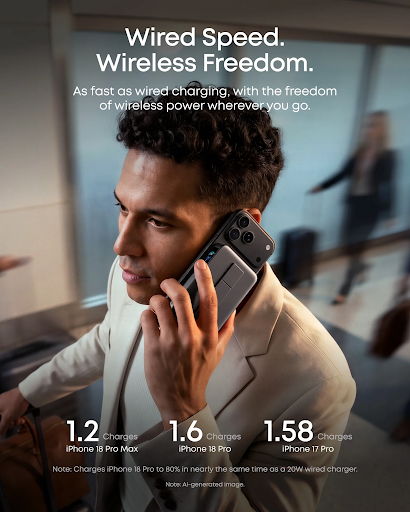
There are also magnetic battery packs designed to connect directly to compatible iPhones. These can be useful when traveling or spending several hours away from an outlet. Their capacity, charging speed, size, and battery-management features vary, so compare specifications instead of assuming all models perform alike. This broader accessory range is a major reason Apple MagSafe has become a recognizable part of the iPhone experience. Still, the usefulness of any accessory depends on whether it matches the phone and the way its owner uses it.
MagSafe and Standard Qi Charging Are Not Identical
It is easy to confuse MagSafe with ordinary Qi wireless charging because both transfer energy without requiring a charging cable to be plugged into the phone. Standard Qi chargers generally rely on placing a compatible device over a charging surface. They do not necessarily provide the magnetic alignment associated with MagSafe. A MagSafe charger, on the other hand, is designed to attach magnetically to supported iPhones and align the charging components.
Some accessories support both MagSafe and other wireless charging standards, while others offer different levels of performance depending on the device. Newer Qi2 products also use magnetic alignment features, but compatibility and supported charging speeds should be confirmed for each product. In other words, a product described as a wireless charger is not automatically a MagSafe charger. Check the certification, supported devices, and charging specifications before making a decision.
What to Check Before Buying Accessories
The first thing to identify is your exact iPhone model. Some models support MagSafe natively, while others may support wireless charging without offering the same built-in magnetic connection. A magnetic case can add compatibility for certain accessories to some otherwise compatible devices, but it cannot guarantee every MagSafe feature or charging performance. Next, consider the case you use. A thick case, metal plate, or poorly designed magnetic attachment can interfere with alignment. For the most predictable experience, choose a case specifically described as compatible with the relevant magnetic charging system.
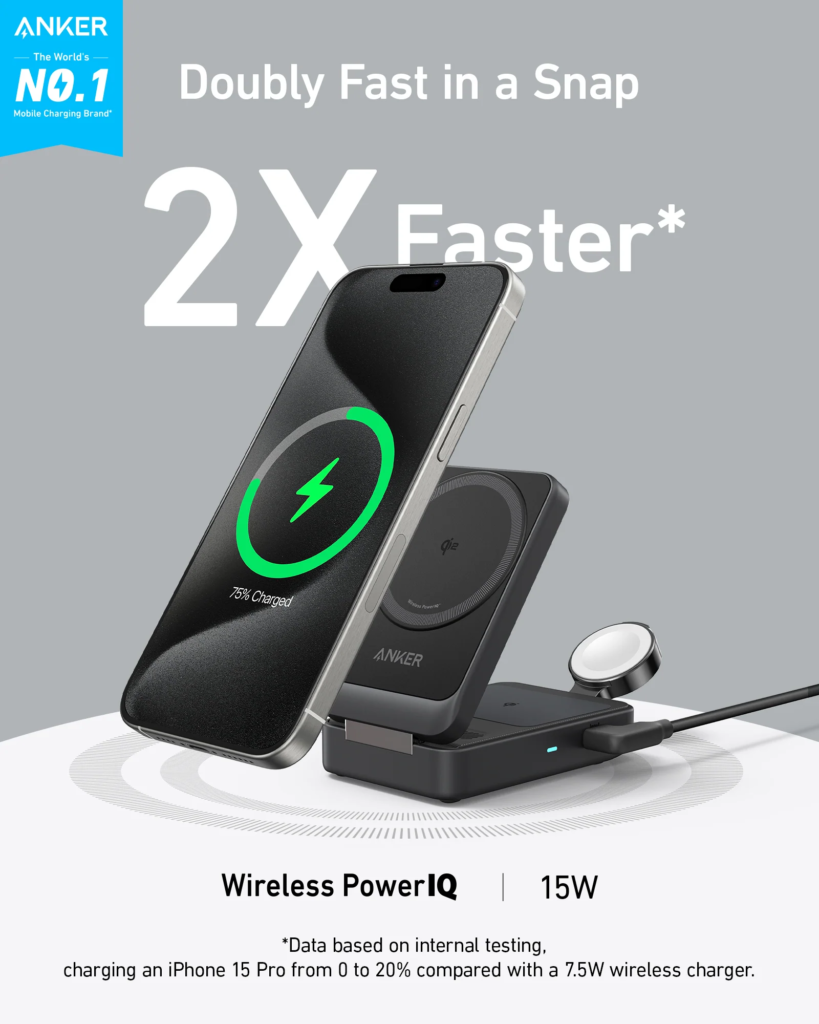
Power requirements deserve attention too. When choosing apple magsafe accessories, remember that a charging accessory may need a separate USB-C wall adapter, and its maximum charging speed depends on the phone, charger, and power source. Read the product details rather than relying on the word “fast” in a listing. Manufacturers such as Anker offer magnetic charging accessories in different formats, but buyers should compare device compatibility, power ratings, build quality, and safety information for the exact product.
Getting More From the Technology
Magnetic accessories work best when used for the situations they are designed to handle. A stand can make desk charging more convenient, while a battery pack is better suited to days spent away from home. A magnetic wallet may be practical for carrying a small number of cards, but it should not be treated as a replacement for a full-size wallet.
Keep charging surfaces and phone backs reasonably clean, and avoid using accessories with damaged magnets, cables, or casings. If charging becomes unusually warm or inconsistent, disconnect the equipment and check the manufacturer’s guidance.
Conclusion
MagSafe adds magnetic alignment and accessory attachment to the iPhone experience. It can make wireless charging easier and expand how a phone is used at a desk, in a car, or while traveling. The key is understanding the difference between ordinary wireless charging and the magnetic system, then checking compatibility before buying. With the right accessories, it can make everyday phone use more convenient without adding unnecessary complexity.
FAQs
1. Does every iPhone support MagSafe?
No. MagSafe is built into compatible iPhone models, while some other iPhones support wireless charging without the same magnetic system. Check your model’s specifications.
2. Can I use a regular wireless charger with a MagSafe iPhone?
Yes. A compatible iPhone can generally charge on supported Qi wireless chargers, although the magnetic attachment and charging performance may differ.
3. Does a MagSafe charger attach to the iPhone automatically?
Its magnets help guide it into the correct position and hold it against the phone, provided the device and any case are compatible.
4. Do I need a special case for MagSafe accessories?
A compatible magnetic case is recommended when using a case. Ordinary cases may weaken the connection or interfere with charging, depending on their design.
5. Is MagSafe only useful for charging?
No. Compatible accessories include stands, wallets, car mounts, and battery packs, allowing the magnetic system to serve several everyday purposes.
